Connect on your terms.
Expose ports through any NAT. No router config.
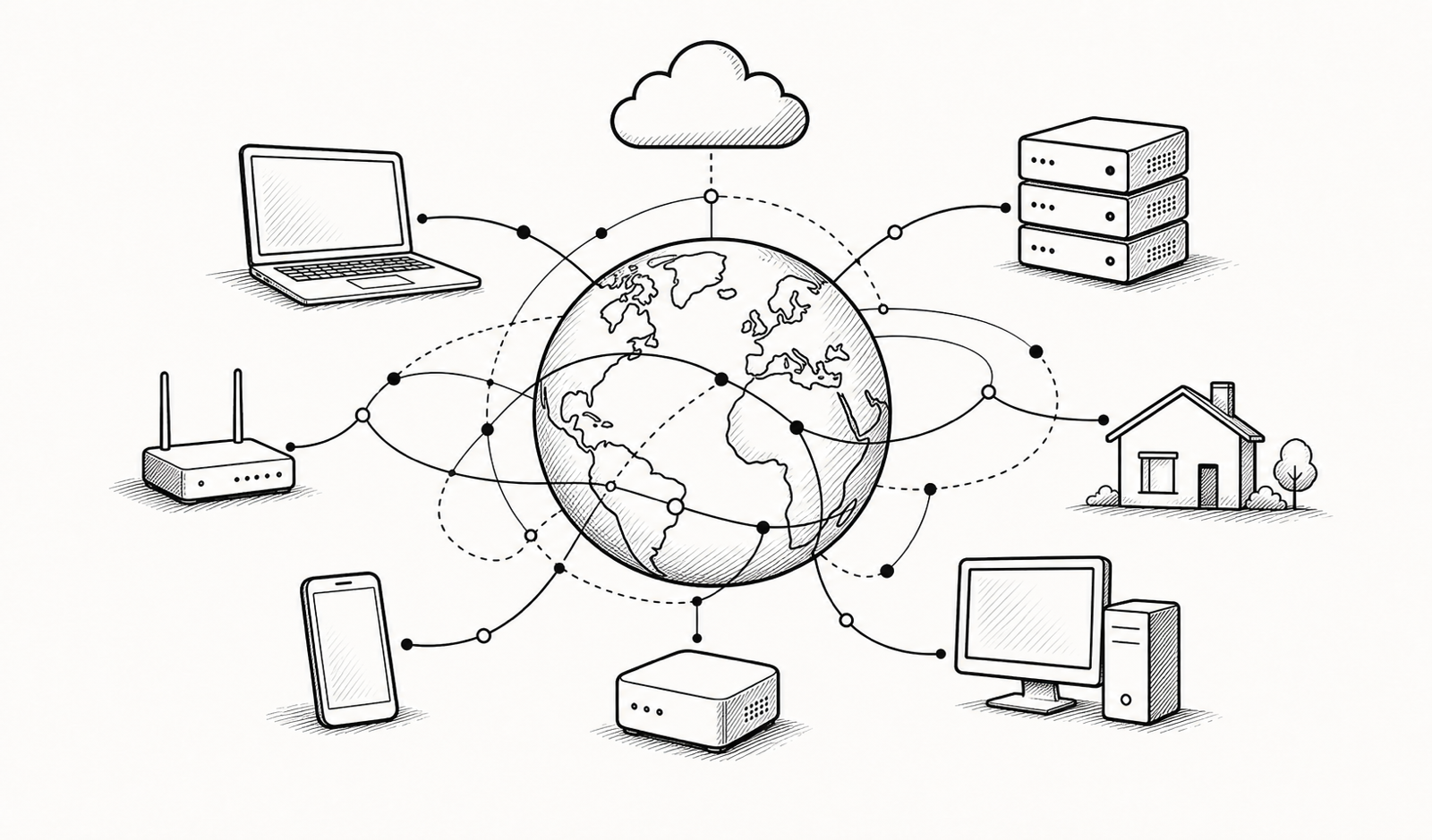
What Linkvec gives you
Every layer is a choice, not a constraint.
Most connectivity tools lock you into their infrastructure. Linkvec exposes the controls.
Bring your own broker
Run linkvec-broker on any VPS or homelab machine. Your data plane never touches our servers. Or use our hosted broker — same CLI, same protocol.
Works through any NAT
CGNAT, double-NAT, strict firewalls — Linkvec uses a three-path fallback model. Direct when possible, relayed when not. Automatic and silent.
No root required
The daemon runs as your user. Serverlets expose a local port. Nothing binds to privileged ports. Nothing runs as root.
HTTP services over the broker
Weblets expose local HTTP services through your broker without QUIC or a relay. Share a dev server or dashboard with a URL instead of a port.
Mesh VPN in one command
Netlets create WireGuard-based mesh VPNs between machines. BrokerMesh covers an entire broker with a single command.
Hub sharing
Group your tunnels into hubs and share them with teammates or family. Revoke access without touching the remote machine.
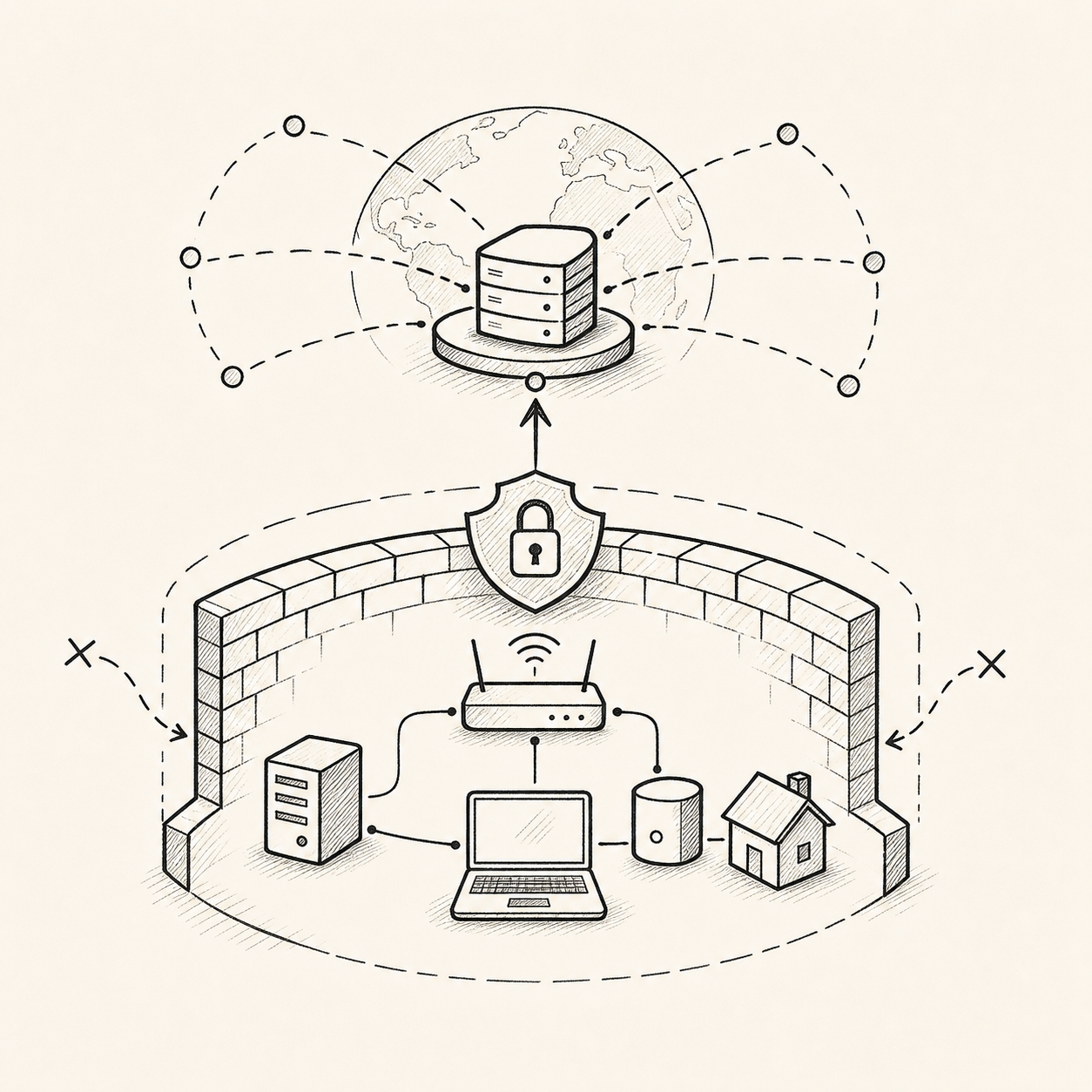
Security model
Your services. Invisible to the internet.
Broker as your network boundary
The broker is the only public-facing component. Your SSH daemon, dev server, or database is never exposed — the broker is the gatekeeper.
No inbound ports on your machine
Serverlets initiate outbound connections to the broker. Your firewall stays closed. No port forwarding, no DMZ.
Self-hosted means self-controlled
Run linkvec-broker on hardware you own. Audit the code. Rotate the keys. Set your own access policies.
Three-path model
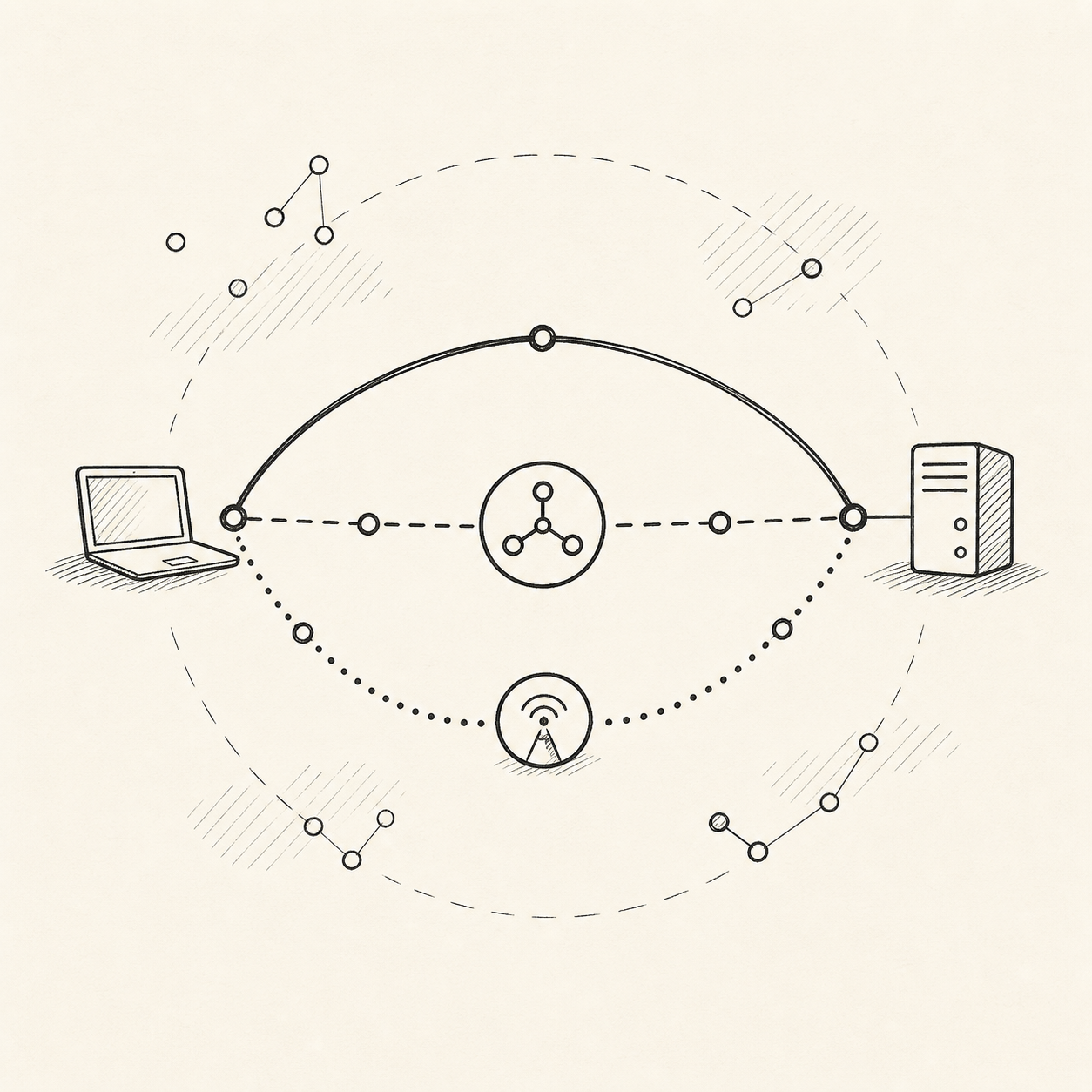
Choose your path — or let Linkvec choose for you.
Direct (peer-to-peer)
When both peers can reach each other, Linkvec establishes a direct connection. No relay, no latency overhead.
Broker-routed
When direct fails, traffic flows through your broker. Still end-to-end between your machines, just using the broker as a relay.
UDP relay
When the broker path is blocked, Linkvec falls back to a relay node. Fully automatic — you never configure this.
Up and running in three commands.
Step 1: Install
One-liner installer. Runs as your user — no root, no sudo, no package manager lock-in.curl -fsSL https://downloads.linkvec.com/linkvec-install.sh | sh
Step 2: Expose a port
Create a named serverlet for any local port. Works behind CGNAT — no router config needed.linkvec expose --port 8080 --name myservice
Step 3: Connect from anywhere
Connect by service name from any other machine. The broker handles routing.linkvec connect --service linkvec://myservice
You're in.

FAQs
Common questions
Does it work behind CGNAT?
Yes. CGNAT is the primary use case. Linkvec never requires inbound ports on your machine. It uses outbound connections to the broker, with relay fallback when needed.
Can I run my own broker?
Yes. linkvec-broker is open-source (AGPL) and runs on any Linux machine. Point the linkvec CLI at your own broker with one config line.
Does Linkvec require root?
No. The daemon and all tunnel types run as a normal user. Nothing binds to privileged ports. WireGuard-based tunnels (Netlet) require a kernel module, which is present on most modern Linux distros.
What happens if my broker goes down?
Existing direct peer-to-peer connections stay up. New connections and relay-dependent tunnels will fail until the broker is restored. Self-hosted broker users control their own uptime.
How is Linkvec different from ngrok or Cloudflare Tunnel?
Those tools manage the infrastructure for you — you use their broker, their relay, their rules. Linkvec gives you the same capabilities but lets you run any component yourself. Same product, full choice.
Start free. Bring your own broker.No vendor lock-in.
The free tier includes everything. Upgrade only if you want us to manage the infrastructure.